What Today's Diners Really Want: Building a Seamless Digital Ordering Experience
Customer expectations around ordering have shifted fundamentally. Here is how to make your digital menu fast, effortless, and perfectly designed for your guests.
What Today’s Diners Really Want: Building a Seamless Digital Ordering Experience
If you want to understand your restaurant’s digital experience, try putting yourself in your customer’s shoes. Walk into a competitor’s restaurant, scan their QR code, and try placing an order. Pay attention to the things that annoy you: slow loading times, confusing categories, and vague descriptions that leave you guessing. Most diners have faced these exact frustrations, and you need to ensure your restaurant isn’t putting your guests through the same ordeal.
The Bar Has Been Raised
Thanks to apps like Uber, Deliveroo, and Instagram, your customers are conditioned to expect digital experiences to be instant and frictionless. When they sit at your table and scan your code, they expect that exact same speed and logic. Because the average digital menu in the industry is often mediocre, delivering a truly seamless experience is a massive opportunity for your restaurant to stand out.
Speed is Non-Negotiable
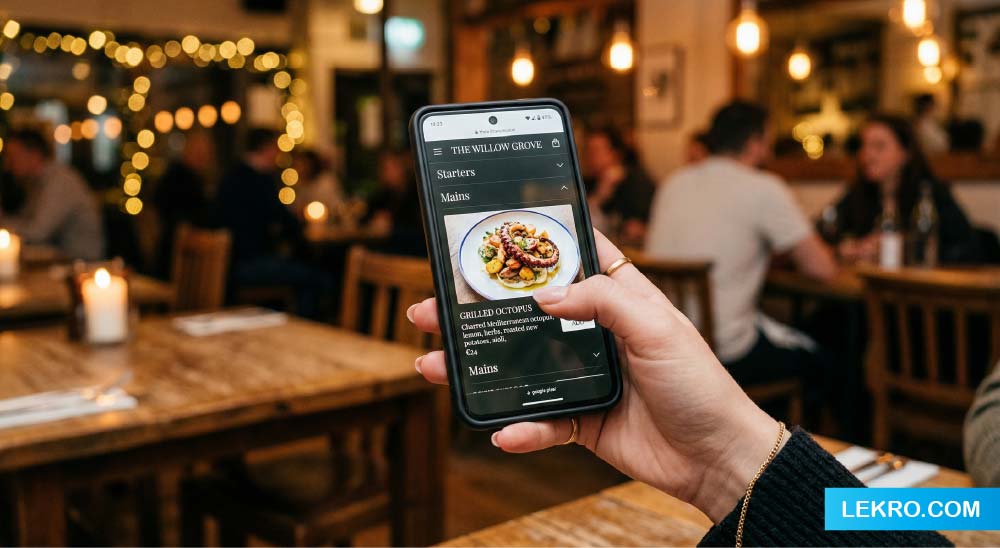
Nothing ruins a digital experience faster than a loading screen. A menu that loads in under two seconds feels instant, while a seven-second wait immediately creates a negative impression before the food even arrives. Make sure your images are optimized for mobile; a massive, slow-loading photo is much worse than a smaller one that pops up immediately. Test your menu on a standard 4G connection, and if it takes more than three seconds to be usable, it needs fixing.
Want to give your guests a flawless ordering experience?
Join the restaurants using Lekro to build fast, beautiful, and easy-to-use digital menus.
Keep It Simple and Clear
Don’t let complex animations or fancy hover effects get in the way of a hungry customer trying to find their food. Your menu’s only job is to help them order quickly.
- Use straightforward categories like “Mains” or “Starters” instead of trying to be overly clever with the names.
- Write descriptions that actually list the ingredients rather than just saying “our signature dish”.
- Never hide your prices until checkout, as this creates anxiety and causes people to abandon their orders.
- Always include photos for your most important or high-margin items, because items with photos consistently outsell those without.
Design for the Phone, Not the Laptop
When you build your menu, remember that it will be viewed on a small phone screen by someone who is probably trying to hold a conversation at the same time. Every button needs to be easy to tap with one hand, and the text must be readable without zooming in. If your menu was designed on a desktop and just squeezed onto mobile, resulting in tiny text and awkward scrolling, most of your customers are having a terrible experience.
Accessibility and Language Matter
Ignoring accessibility costs you customers. Ensure your base text is at least 16px, uses high contrast against the background, and includes alt text for screen readers so everyone can use your menu comfortably.
Furthermore, if you serve tourists or a diverse community, offering multilingual support is absolutely essential. Modern platforms allow you to manage translations easily, so a customer can tap to switch languages or read right-to-left formats like Arabic without confusion. Don’t forget to briefly explain cultural or dietary terms (like “halal certified” or “vegan”) to keep everyone fully informed.
Smooth Ordering and Post-Order Peace of Mind
The actual checkout process is where many digital menus fall apart. Make customizing orders easy with clear checkboxes for modifications and functional dietary filters. Keep the checkout flow as short as possible; if they are ordering directly from the table, you do not need their email address or birthdate.
Finally, close the loop. The gap between ordering and receiving food causes a lot of anxiety because the customer doesn’t know what is happening. A simple digital confirmation screen saying the order has been received and is being prepared keeps the customer relaxed, which directly leads to a better meal and a better review. The digital experience is the very first step in your restaurant’s hospitality journey—make sure it counts.
Tags