QR Code Menus: From Pandemic Workaround to Industry Standard
What started as a contactless safety measure has become a permanent fixture in restaurants worldwide. Here's how QR code menus evolved, what makes them work, and what restaurant owners get wrong when implementing them.
QR Code Menus: From Pandemic Workaround to Industry Standard
If you told a restaurant owner a few years ago that guests would happily scan a little black-and-white square to figure out what to eat, they probably would have laughed. But today, that is just a normal Tuesday. QR code menus transformed from a sudden pandemic necessity into a permanent fixture in the hospitality world incredibly fast. Let’s break down exactly how this happened and how to ensure your restaurant is using them correctly.
It Didn’t Start with COVID
Believe it or not, QR code menus were around long before the pandemic hit. Forward-thinking spots in Japan, South Korea, and parts of Europe started experimenting with them back in the early 2010s. The tech worked fine, but the customers just weren’t ready for it yet. People would look at the square and either ignore it completely or need a waiter to explain how to scan it.
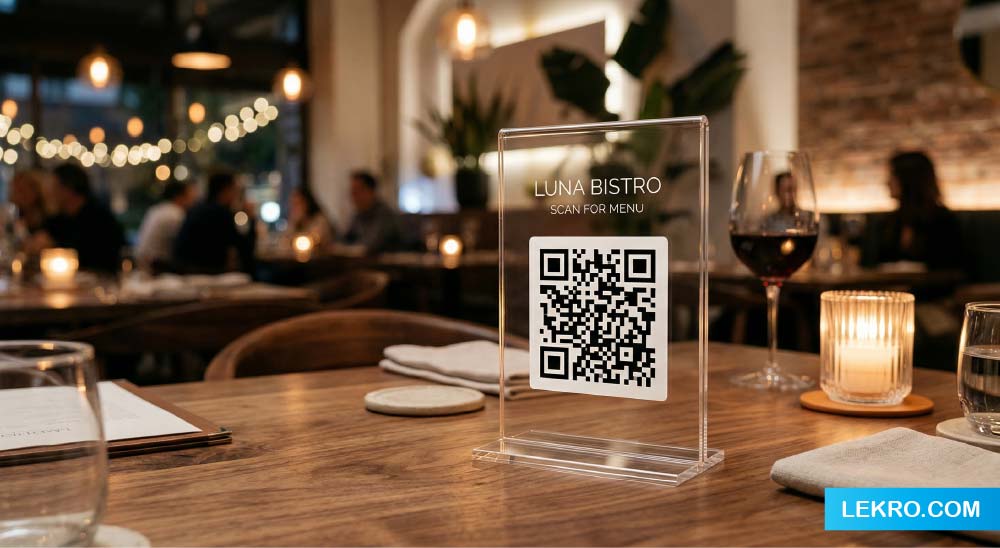
Then restaurants reopened after lockdowns, and physical menus—touched by dozens of hands—suddenly became a massive liability. Owners faced a tough choice: constantly reprint expensive disposable menus, or make guests wait while laminated ones were heavily sanitized. A simple sticker on the table became the perfect, touch-free solution. The crazy part? Customers adapted quickly and actually realized they loved it.
Why the QR Code is Here to Stay
While COVID forced the initial change, it was pure convenience that made the shift permanent. When restrictions lifted, a significant chunk of diners specifically asked to keep using the digital option. Here is why:
- No more squinting: Phone screens are way easier to read in dimly lit dining rooms than printed paper because you can zoom in and adjust the brightness.
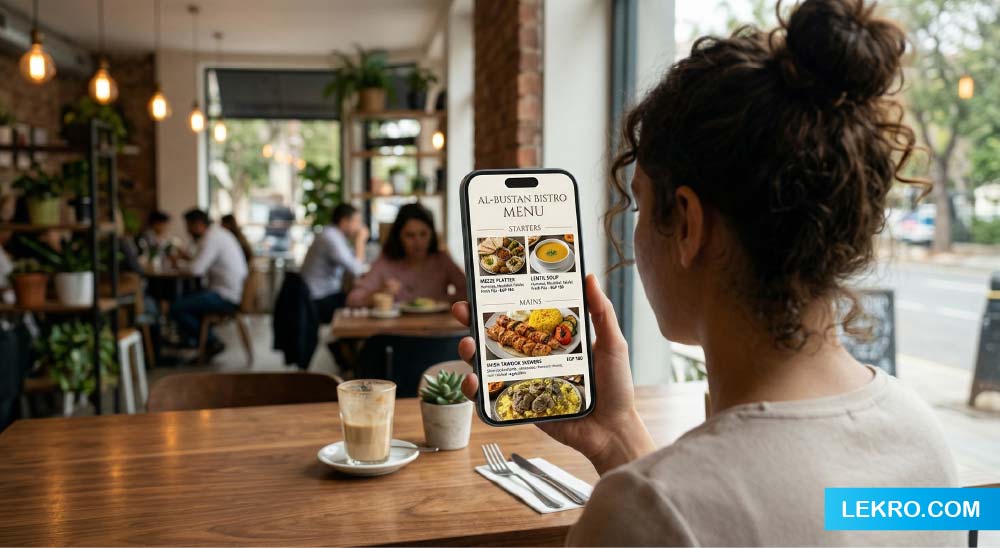
- More info, instantly: Guests can see vibrant photos, check calorie counts, and read allergen info right away.
- Zero waiting: You sit down, scan, and start picking your meal immediately without waiting to flag down a busy server.
- Easy sharing: People can just pass their phone or scan the same code simultaneously to look at the menu together.
For you, the owner, the math is a no-brainer: you get instant updates across all tables, zero printing costs, and no outdated pricing.
Ready to upgrade your restaurant’s menu?
Join the hundreds of owners using Lekro to build lightning-fast, beautiful digital menus that boost sales.
How to Build a QR Menu That Actually Works
Throwing a PDF on a website and generating a code isn’t enough anymore. To get real results, you need to do it right:
- Speed is everything: If your menu takes more than two or three seconds to load on a mobile data connection, your guest is already mildly frustrated.
- Design for phones: Text needs to be legible, categories should be easy to tap, and the whole layout must be built for mobile from day one, not just squeezed down from a desktop view.
- Use great photos: Studies show that menu items featuring photos can outsell those without by 30% or more. Invest in good pictures for your top-sellers and most profitable dishes.
- Keep it organized: Nobody wants to endlessly scroll an exhausting list. Use clear categories so guests can jump straight to starters or desserts.
- Translate it: If you are in a diverse or tourist-heavy area, your menu should offer a simple toggle to switch languages automatically.
The Biggest Mistakes Owners Make
Avoid these common traps that ruin the guest experience:
- Making the code too hard to find: If the sticker is tiny, poorly placed, or hidden on a flipped-over card, you are just frustrating people before they even start.
- Linking to a PDF: Trying to pinch and zoom around a desktop PDF on a phone is a terrible experience.
- Forgetting to update: Leaving last season’s dishes or old prices on a digital menu destroys customer trust and creates friction for your staff.
- Refusing to offer paper: Always keep a few printed menus on hand for older guests or anyone who struggles with technology; providing an alternative is simply good hospitality.
The Future is More Than Just a Menu
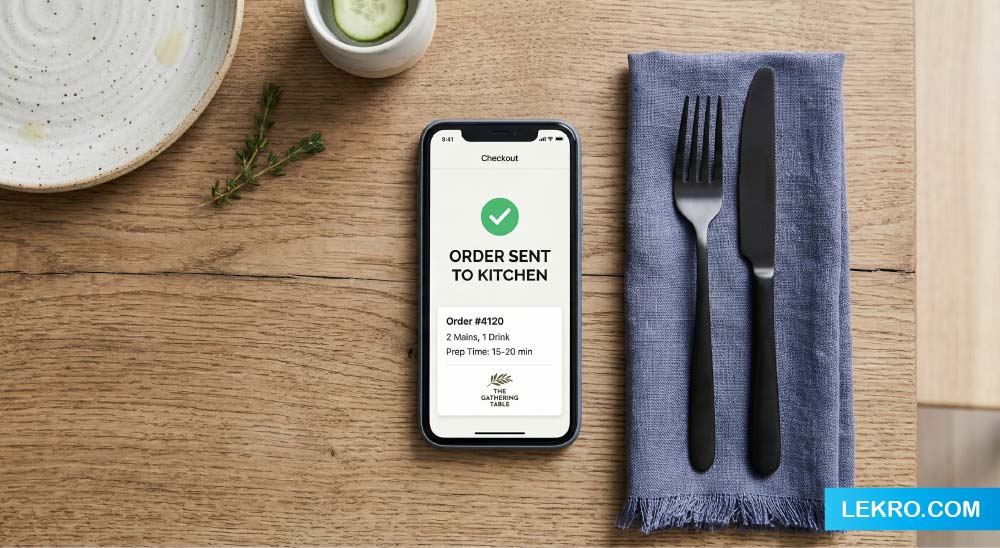
Today, the QR code is becoming less of a centerpiece and more of an entry point. The most innovative restaurants are using it as a gateway to order directly to the kitchen, push recommended pairings, collect updates for specials, and even let guests pay their bill right from their phones.
The window to be an early adopter has closed, but the window to do it well is still wide open.
Tags